Try it here
It really is this simple.
Tap a team to score. This demo plays to 5, win by 2, best of 3, just like a custom game in the app.
How it works
From kickoff in seconds.
- 1
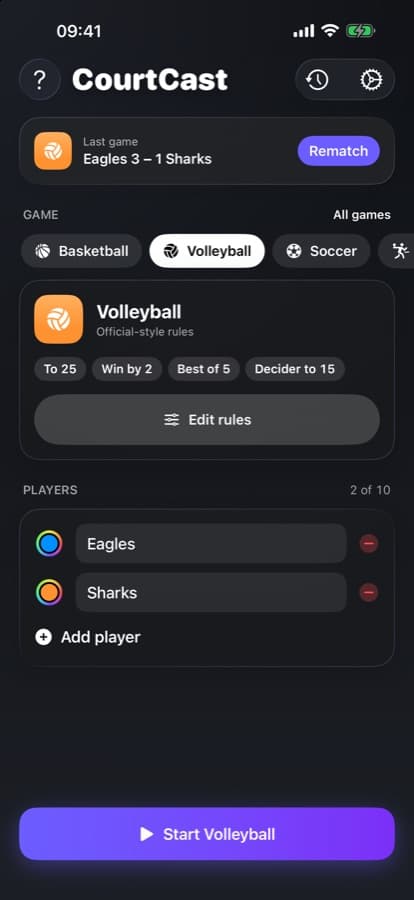
Pick a game
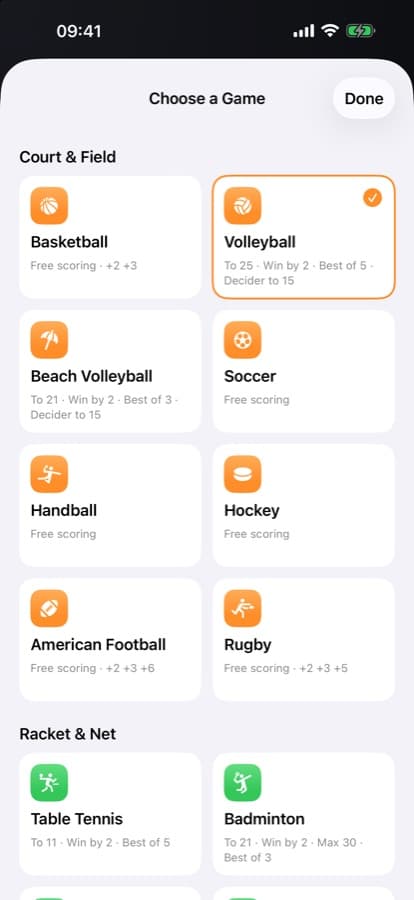
Choose from 16 ready-to-play games or set your own rules.
- 2
Name the teams
Up to 10 players or teams, each with its own color.
- 3
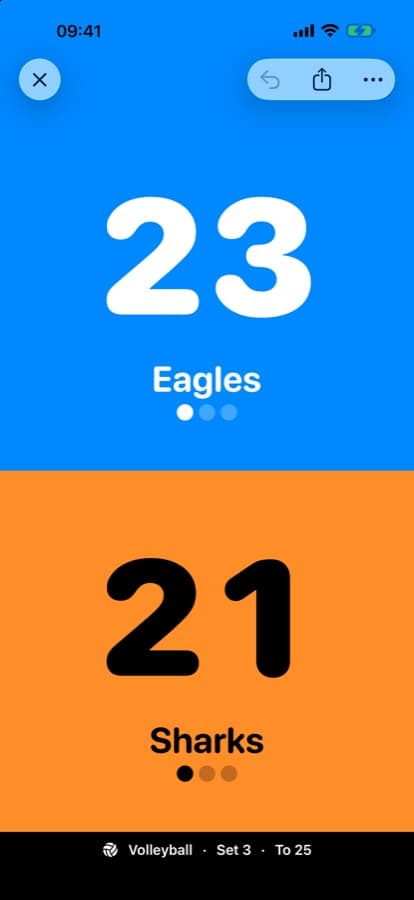
Tap to score
Tap for a point, swipe down to fix it, hold to type an exact score.
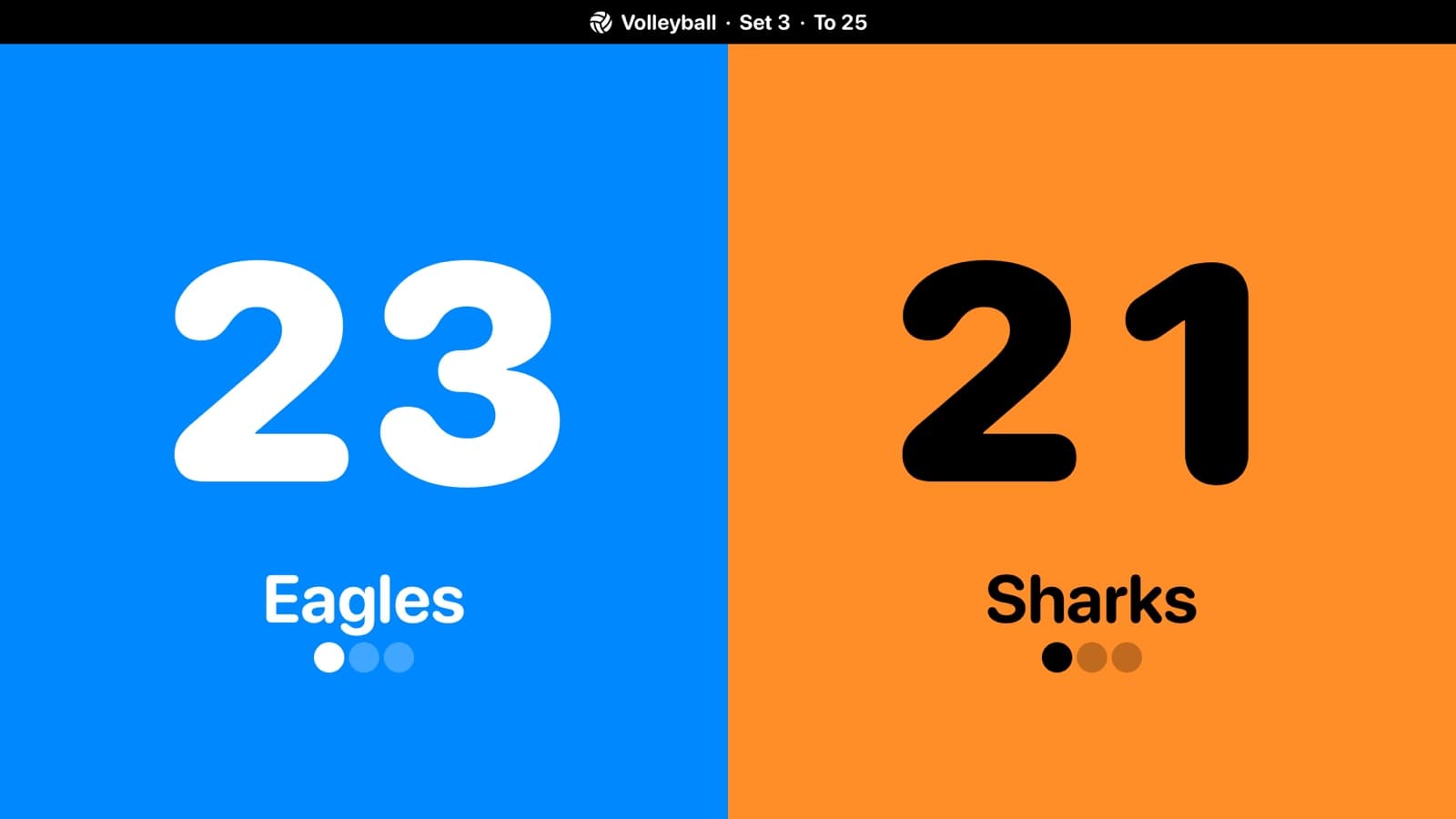
On your TV
Put the score on the big screen.
Use Screen Mirroring with an Apple TV or AirPlay-compatible TV, or plug in a cable. CourtCast shows a full-screen scoreboard there while your phone stays the remote.
- ✓Teams side by side, readable across the gym
- ✓Set number and target score always visible
- ✓Keep scoring from the sideline
Free users see a small CourtCast strip on the TV. Pro removes it.
16 games
Ready to play. Or make your own.
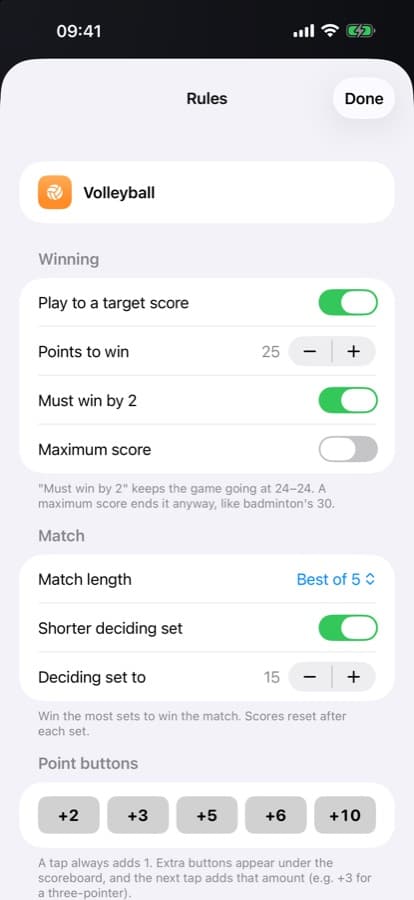
Every game comes with its rules built in. Change anything: target score, win by 2, max score, best of 3, 5 or 7, a shorter deciding set and +2/+3 point buttons.
Court & field
Basketball
Free scoring · +2 +3
Volleyball
To 25 · Win by 2 · Best of 5
Beach volleyball
To 21 · Win by 2 · Best of 3
Soccer
Free scoring
Handball
Free scoring
Hockey
Free scoring
American football
+2 +3 +6
Rugby
+2 +3 +5
Racket & net
Table tennis
To 11 · Win by 2 · Best of 5
Badminton
To 21 · Win by 2 · Max 30
Pickleball
To 11 · Win by 2
Squash
To 11 · Win by 2 · Best of 5
Table & party
Card games
Free scoring · +5 +10
Board games
Free scoring
Dominoes
To 100 · +5 +10
Cornhole
To 21 · +3
Your own rules
Start from scratch with Custom, and save your house rules as a preset with Pro.
Undo anything
Mis-tapped? Undo the last point, even after a set ends.
Screen stays on
No dimming in the middle of a rally.
Sets and winners
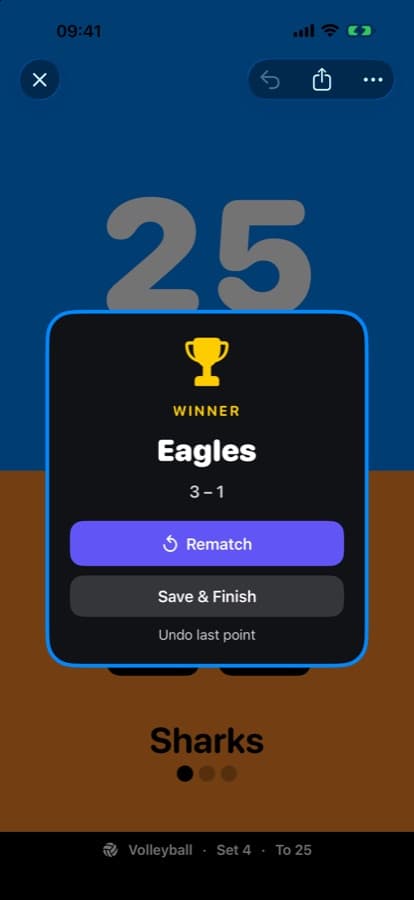
Sets reset on their own and the match ends with a winner screen.
+2, +3 in one tap
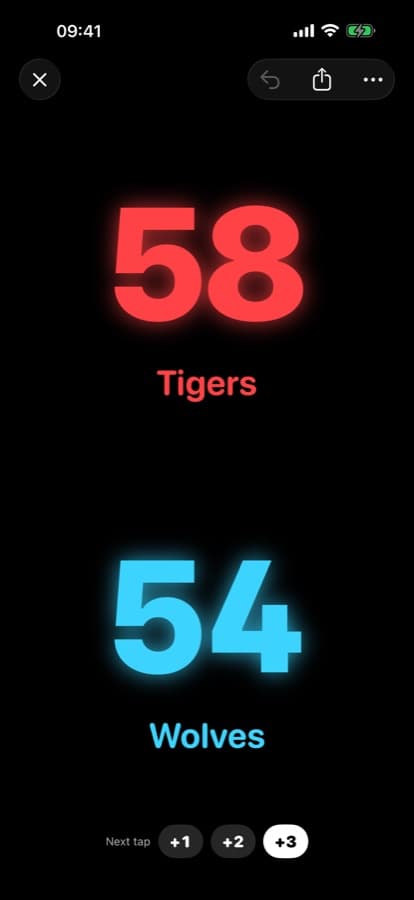
Point buttons for sports that score more than one at a time.
Share the score
Send a picture of the scoreboard to the group chat.
7 languages
English, Spanish, Portuguese, French, German, Japanese and Chinese.
CourtCast Pro
One upgrade. Every Pro feature.
CourtCast is free to use. Pro unlocks everything below, plus every Pro feature we add in the future.
- ✓Clean TV scoreboard, no strip
- ✓Pro themes: LED, Minimal, High Contrast
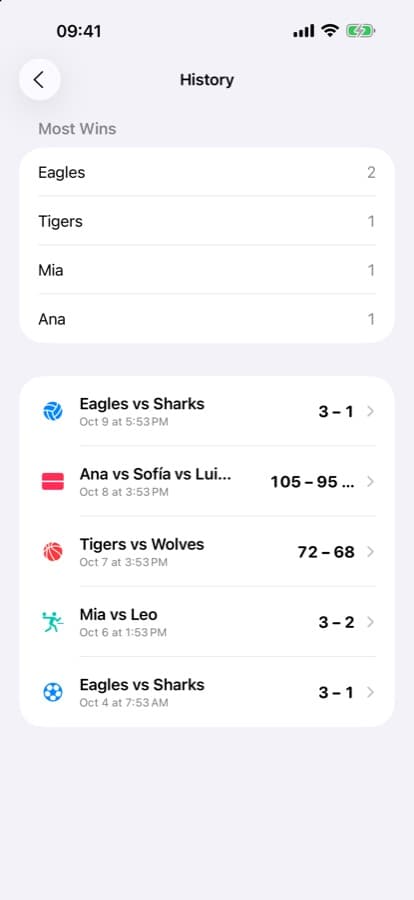
- ✓Full game history and win stats
- ✓Any team color
- ✓Up to 10 players (free: up to 6)
- ✓Save your own game presets
- ✓No ads
Monthly or yearly subscription, or a one-time lifetime unlock with no subscription.
FAQ
Questions, answered.
Is CourtCast free?+
Yes. Scoring, all 16 games, custom rules, sets and the TV scoreboard are free. Pro is an optional upgrade.
How do I show the score on my TV?+
Open the scoreboard, then use Screen Mirroring from Control Center to pick an Apple TV or AirPlay-compatible TV. You can also connect your iPhone or iPad with an HDMI adapter or USB-C cable.
Does it need internet?+
No. Keeping score works offline. Screen Mirroring needs your phone and TV on the same network.
Does it work on iPad?+
Yes, CourtCast is made for both iPhone and iPad.
What happens to my data?+
Your games and history stay on your device. We use privacy-friendly, anonymous analytics and never sell your data.

Game on.
Free on iPhone and iPad.


